Create Binary Mask Using an ROI Function
R2026bThis example shows how to create a binary mask using one of the ROI creation functions, such as drawcircle, with the mask creation function createMask. Image Processing Toolbox™ provides multiple types of ROI objects for different use cases, including axes-based ROIs for imshow displays and interactive and static annotations for imageshow and volshow displays. To learn more, see Choose Approach to Annotate ROIs in Images.
Read an image into the workspace and display it.
img = imread("pout.tif");
h_im = imshow(img);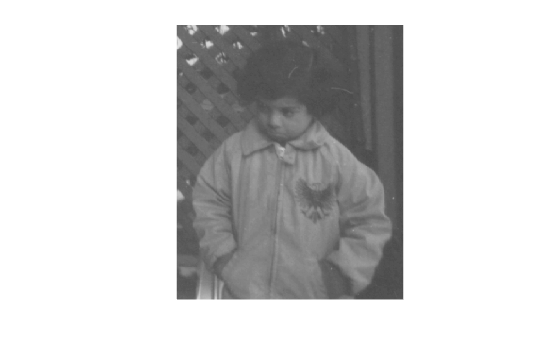
Create an ROI on the image using one of the ROI creation functions.
circ = drawcircle(Center=[113,66],Radius=60);
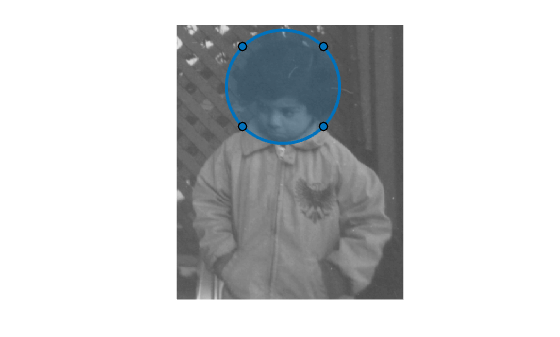
Create a binary mask from the ROI using createMask. The createMask function returns a binary image the same size as the input image. The pixels inside the ROI are set to 1 and the pixel values everywhere else are set to 0.
BW = createMask(circ);
imshow(BW)