Use Data Sets Views
R2026b
You can use the Data Set view for these main functions:
Validating calibrations with experimental data
Filling tables by reference to a set of experimental data
Constructing operating point sets for running optimizations
Investigating optimization results and using them to fill tables
For worked examples about data sets, see:
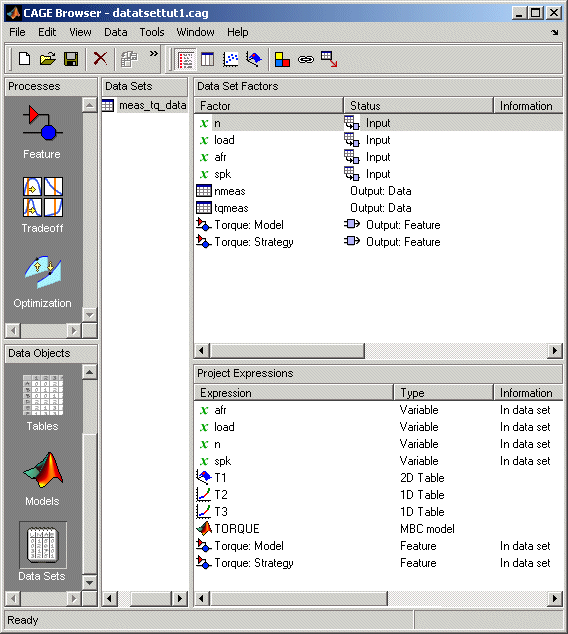
Data Sets consists of four views. These views display different aspects of the data set. Each view is accessible from the View menu or by clicking the appropriate button on the toolbar.

Factor Information
List of all available project expressions, which can be added to the data set for display and evaluation.
View Data
Displays the data in a table. Individual entries can be altered. Columns of data can be assigned to CAGE expressions.
Plot Outputs
Displays models and features evaluated at the data points (of the data set).
Fill Table from Data Set
This mode allows you to fill lookup tables by reference to experimental data.