Import Co-Simulation FMU into Simulink
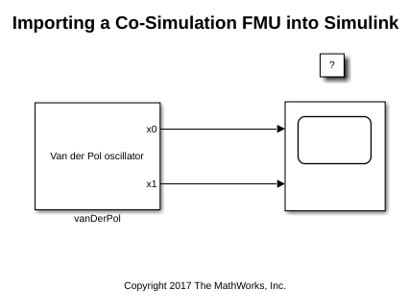
R2026bThis example shows how to use the FMU Import block to load an FMU into Simulink®. The FMU Import blocks supports execution of the FMU in co-simulation mode. Simulink supports stepping back and forth, tuning parameters in between, and saving states for the FMU Import block as long as the FMU itself supports these features.
This FMU models the Van der Pol equation, which is a nonlinear second order system. The FMU is compatible with FMI 2.0 standards for co-simulation. You can change the communication step size in the FMU Import Block parameters dialog box.