Simulate a Quadcopter
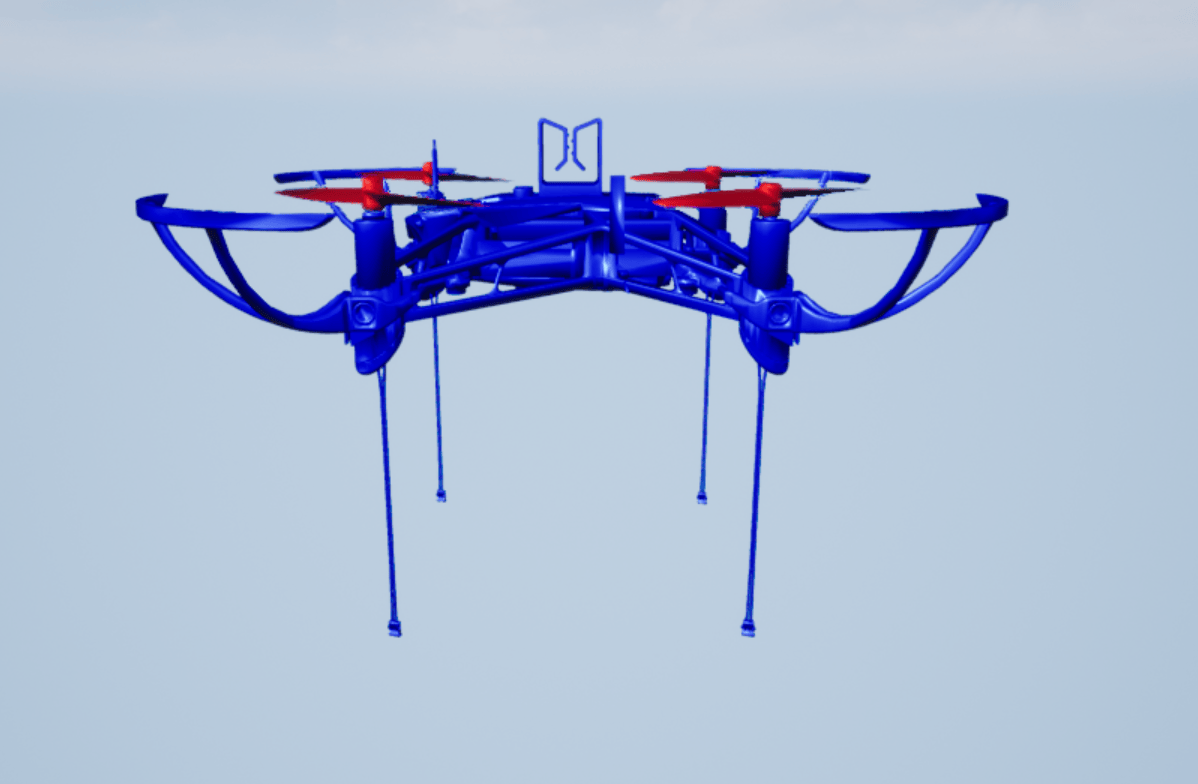
R2026bThis example shows how to use the Simulation 3D Actor block to build a complex actor and animate individual actor components in the simulation 3D environment. You build a quadcopter from two STL files and animate the propellers.
Load Data
Download the example model and STL files.
exampleFolder = matlab.internal.examples.downloadSupportFile( ...
    'R2023a/sl3d/examples/','QuadCopter.zip');
unzip(exampleFolder)
Open Model
Open the quadcopter model.
open_system("Quadcopter.slx");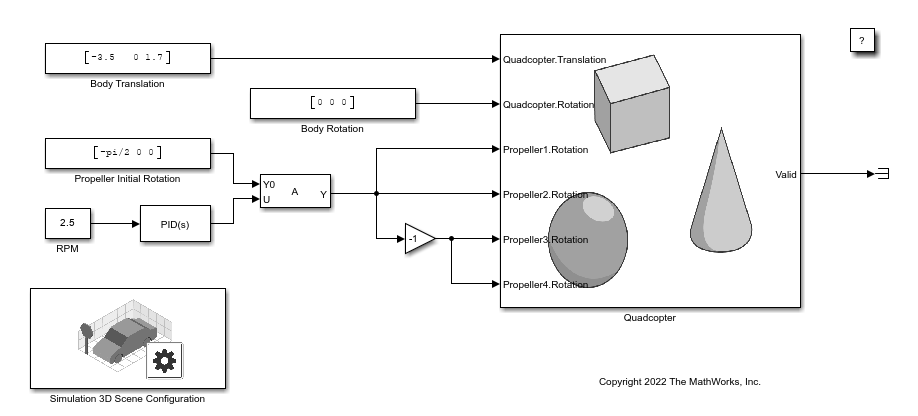
Model Components
The model includes a Simulation 3D Scene Configuration block and a Simulation 3D Actor block named Quadcopter. The Simulation 3D Scene Configuration block implements a 3D simulation environment. You must include the configuration block when building Simulink models with Simulation 3D Actor blocks.
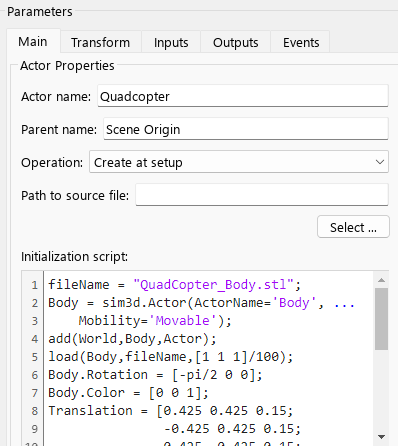
Double-click the Simulation 3D Actor block named Quadcopter to open the Block Parameters dialog box. The Main tab contains the Initialization script to create, build, and animate the Quadcopter actor. First, the script creates the Body actor, sets actor properties, and attaches the Body actor to the Parent actor in the world. Next, the script loads the QuadCopter_Body.stl file to build the actor shape, translates, and rotates the Body actor. Then, the script creates the Propeller actors, sets actor properties, and attaches the Propeller actors to the Parent actor in the world. Finally, the script loads the QuadCopter_Propeller.stl file to build each actor shape, translates, and rotates each Propeller actor.
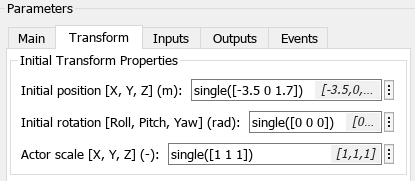
The Transform tab sets the initial transform properties for the Quadcopter actor.
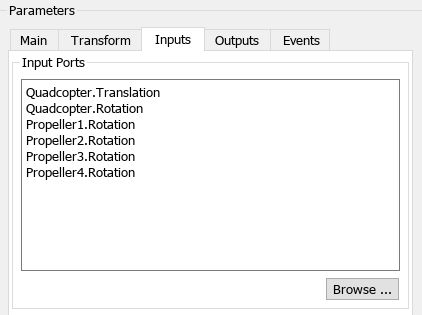
The Inputs tab lists the inputs to the Quadcopter actor.
Simulate Model
Simulate the model to view the quadcopter animation in the Simulation 3D Viewer window.
See Also
Simulation 3D Scene
Configuration | Simulation 3D
Actor | sim3d.World | sim3d.Actor

