Manage Coverage Data
R2026bYou can use Simulink® Coverage™ to access, manage, and aggregate coverage results. You can also assess testing completeness by aggregating coverage data from multiple test runs.
Apps
| Coverage Analyzer | Analyze, view, and manage coverage data for Simulink models |
| Coverage Results Explorer | View, manage, and filter model coverage results |
Objects
cvdata | Access Simulink Coverage data in the MATLAB workspace |
cv.cvdatagroup | Collection of cvdata objects |
Functions
Model Settings
Topics
- Manage and Aggregate Coverage Results Using the Coverage Results Explorer
Access, manage, and aggregate coverage results from the Results Explorer after you collect coverage.
- Cumulative Coverage Data
Collect cumulative coverage from successive simulations.
- Analyze Coverage Data Using A Script
Retrieve specific coverage information after simulation using MATLAB® commands.
- Collect Coverage in Tests (Simulink Test)
Use coverage measurement to assess the extent of your tests.
- Extracting Detailed Information from Coverage Data
Learn how to use the Simulink Coverage API to collect and extract coverage data for a model.
Featured Examples
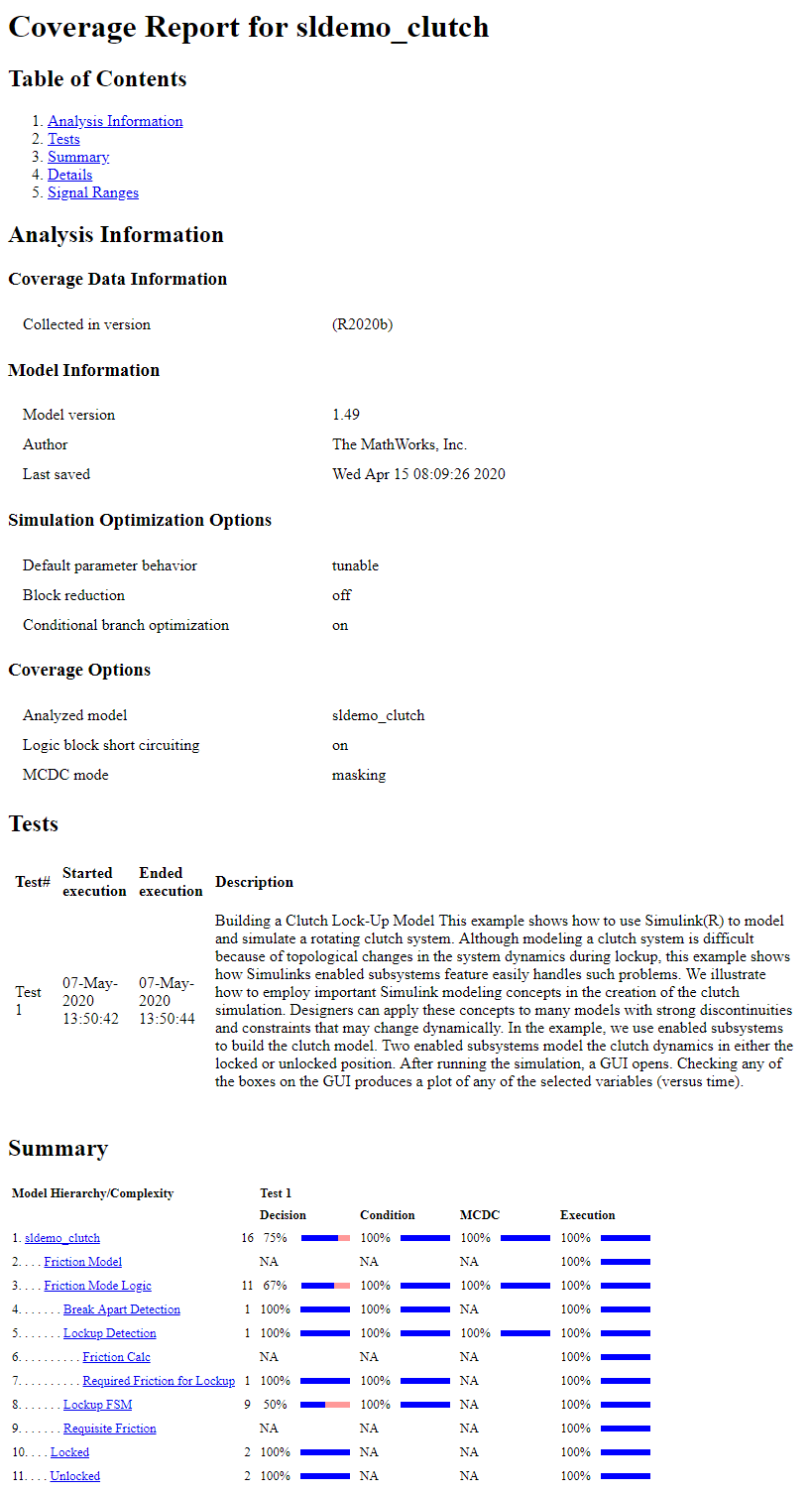
Basic Operation of the Model Coverage Tool
Use the Configuration Parameters dialog to enable coverage for a Simulink® model and adjust the type of information that is reported.
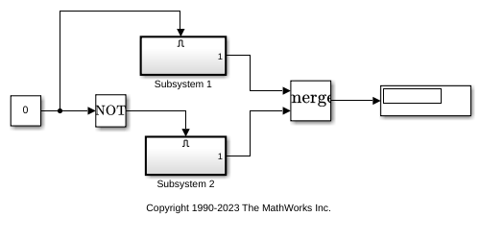
Perform Operations on Coverage Data
Learn how to use the Simulink Coverage union, difference, and intersection operators.
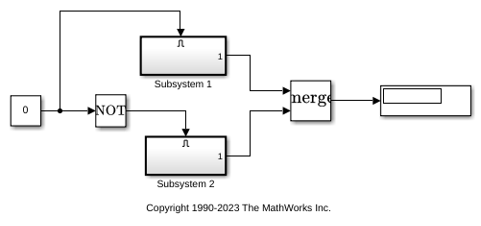
Obtain Cumulative Coverage for Reusable Subsystems
Create and view cumulative coverage results for a model with a reusable subsystem.

