Main Content

Logitech G29 Steering Wheel

Receive Logitech G29 Steering Wheel read data

  • Logitech G29 Steering Wheel block

Libraries:
Simulink Real-Time / Logitech G29

Description

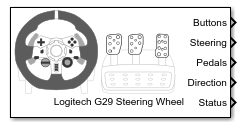
The Logitech G29 Steering Wheel block reads data from a Logitech® G29 Steering Wheel (PS3 only) device that is connected to a target computer. You must connect the Logitech G29 Steering Wheel device to the USB port on the target computer.

Examples
Ports

Output

expand all

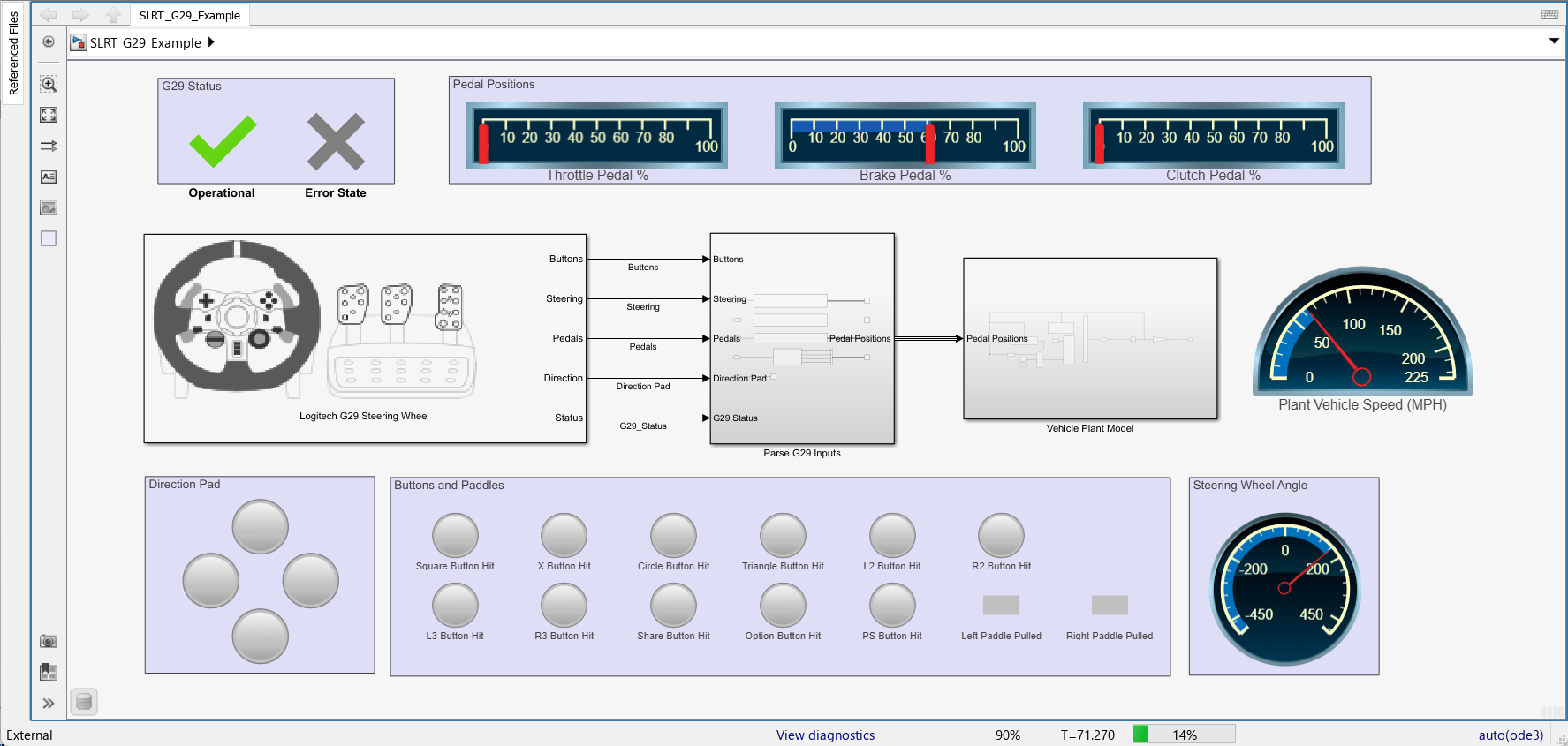
Status of steering wheel buttons, returned as a vector of boolean values. The boolean values in the vector represent the steering wheel buttons in the following order.

  1. Square

  2. X

  3. Circle

  4. Triangle

  5. LPaddle

  6. RPaddle

  7. L2

  8. R2

  9. L3

  10. R3

  11. Share

  12. Option

  13. PS

Data Types: Boolean

Value of steering wheel position, returned as a value between 0 to 65535.

Data Types: uint16

Status of throttle, brake, and clutch pedals, returned as a vector of uint8 values. The order of values in the Pedals is:

  1. Throttle

  2. Brake

  3. Clutch

Data Types: uint8

Status of direction pad buttons, returned as a uint8 value between 0 to 8. Each value represents a direction. When you press the direction pad in between the pad buttons, intermediate values occur.

Data Types: uint8

Status of communications with steering wheel, returned as 0 or negative value. The Status output value, 0 indicates successful communication with the steering wheel and negative value indicates unsuccessful communication.

Data Types: int32

Parameters

expand all

Time interval between samples for the steering wheel data. The recommended sampleTime is 10ms.

Programmatic Use

Block Parameter: sampleTime

Extended Capabilities

expand all

C/C++ Code Generation
Generate C and C++ code using Simulink® Coder™.

Version History

Introduced in R2018b