Describe Activity Diagrams
R2026bAuthor executable activity diagrams for your architecture models or components to define and validate functional requirements. Use activity diagrams in System Composer™ to visualize data flow through actions. Create directed relationships with allocations from activity diagram elements to architecture model elements to further describe the functional design of your system.
Classes
Functions
Activity Nodes
| Initial Node | Dispatch control token at beginning of activity |
| Action Node | Process object tokens through MATLAB function or nested activity |
| Accept Action Node | Accept object tokens from send action node |
| Send Action Node | Send object tokens to accept action node |
| Pin | Direct tokens into or out of an action node |
| Parameter Node | Process tokens through a nested activity |
| Decision or Merge Node | Route input tokens based on evaluation of MATLAB expressions, or merge multiple input tokens onto one output flow |
| Join or Fork Node | Synchronize multiple input tokens into one output, or replicate one input token on all output flows |
| Flow Final Node | Terminate one object or control flow |
| Activity Final Node | Terminate entire activity |
| Time Action Node | Output control token based on time condition |
Tools
| Types Editor | Create custom data types (Since R2024a) |
| Allocation Editor | Create and manage model-to-model allocations |
| Profile Editor | Create and manage profiles with stereotypes and properties |
Topics
- Describe System Behavior Using Activity Diagrams
Learn about and interact with activity diagrams in System Composer.
- Author a Simple Activity Diagram
Create action nodes, token-based flows, merge nodes, and types for input pins.
- Establish Traceability and Extend Model Elements
This topic describes elements of an activity diagram for a mobile robot.
- Simulate, Visualize, and Validate Activity Diagrams
Simulate, visualize, and debug activity diagrams in System Composer.
- Compare Signal and Message Data Modes for Activity Diagrams
Compare how signal and message data modes affect activity diagram execution timing when referenced from a Simulink model. (Since R2026a)
- Model Complex Objects in Activity Diagrams Using MATLAB Class Tokens
Model activity diagram that processes MATLAB class tokens.
Featured Examples
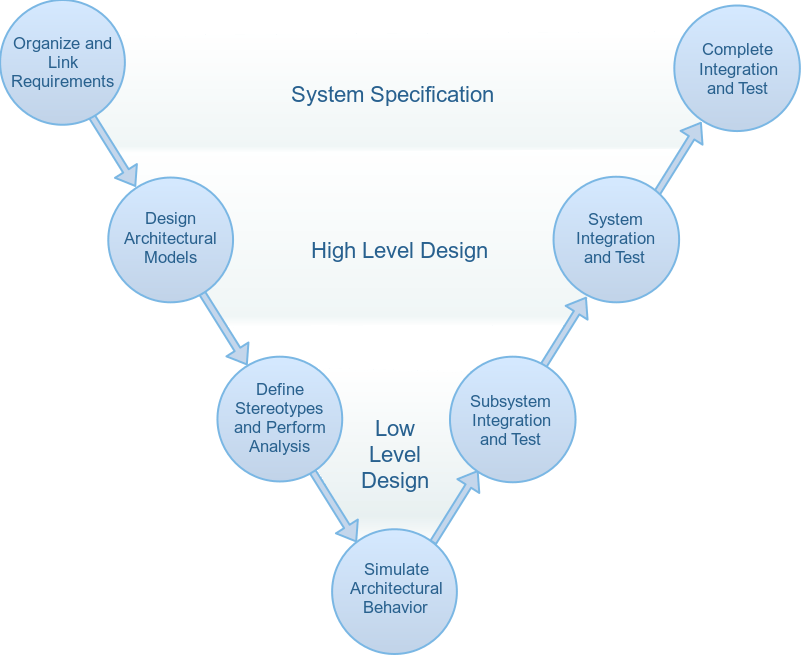
Simulate Mobile Robot with System Composer Workflow
Simulate a mobile robot architecture with a systems engineering workflow.
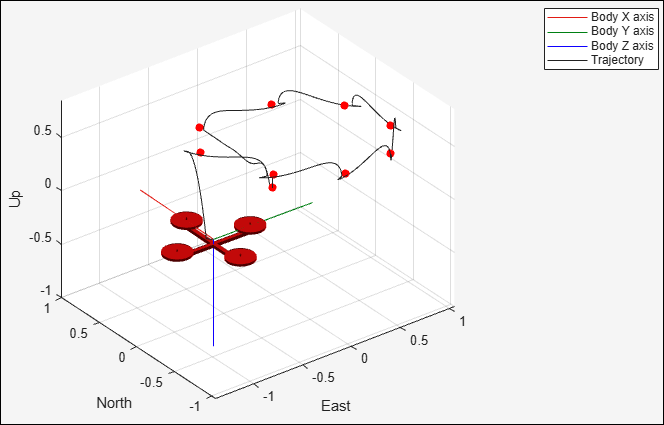
Develop and Verify a Quadcopter System Architecture
Design quadcopter to follow trajectory with systems engineering approach.
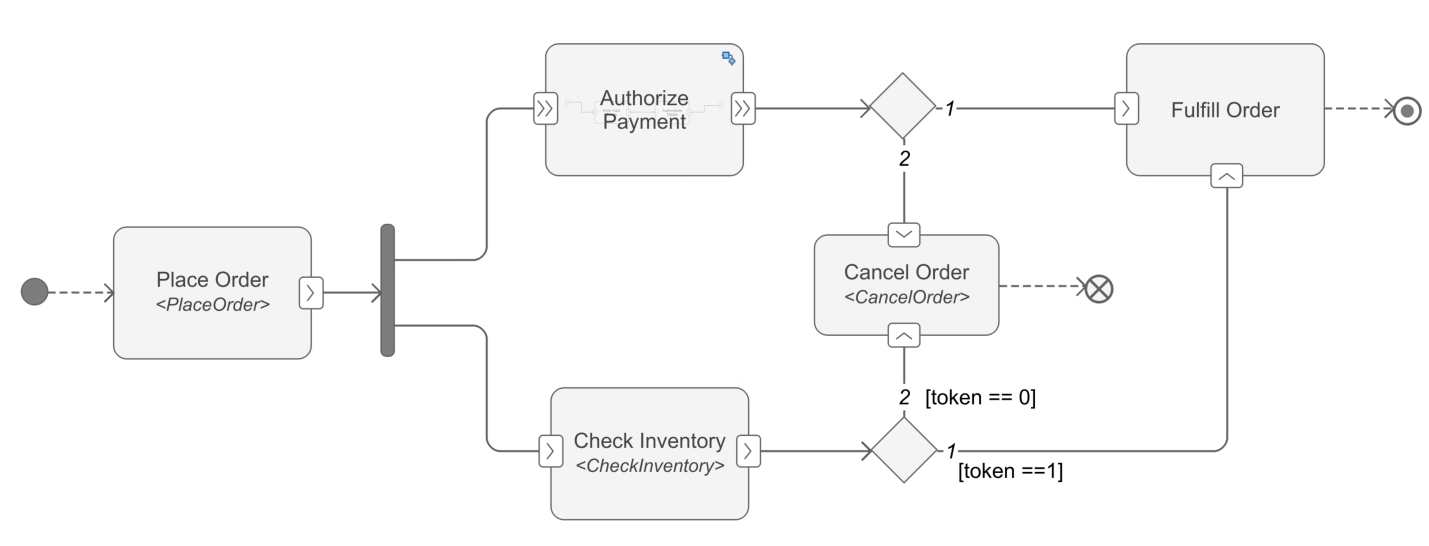
Create Activity Diagram Programmatically
Create an activity diagram programmatically.

