Image and Video Processing
R2026bAcquire images and video from camera modules or webcams, display video output, and stream video using blocks and MATLAB® functions to support development of a wide range of multimedia applications, including, computer vision, and surveillance on Raspberry Pi hardware.
Blocks
 | Raspberry Pi Camera | Capture live video from Raspberry Pi CSI camera module (Since R2026b) |
 | V4L2 Video Capture | Capture video from USB camera using V4L2 framework |
 | SDL Video Display | Display video using SDL |
 | RTSP Video Stream Transmit | Stream video to network over real-time streaming protocol (Since R2024a) |
 | RTSP Video Stream Receive | Receive video from network over real-time streaming protocol (Since R2024b) |
Objects
arducam | Connect to ArduCam Multi Camera Adapter Module (Since R2023b) |
webcam | Create connection to Raspberry Pi web camera |
cameraboard | Connection to camera board on Raspberry Pi hardware |
Functions
selectCamera | Select camera on ArduCam Multi Camera Module (Since R2023b) |
readFrame | Return oldest image frame from board, web, or ArduCam module camera |
record | Record video from camera board or ArduCam Multi Camera Adapter Module camera |
snapshot | Capture latest RGB image frame from Camera Board or selected camera on ArduCam Multi Camera Adapter Module |
stop | Stop recording from camera board or selected camera on ArduCam Multi Camera Adapter Module |
displayImage | Display an image on the Raspberry Pi hardware or on the LED Matrix of SenseHAT |
Apps
| Raspberry Pi Resource Monitor App | Monitor and manage Raspberry Pi resources |
Topics
- Modularize Installation of Third-Party Packages and Libraries for Raspberry Pi Hardware
This section describes the workflow for downloading the core and optional application-based libraries and packages.
- Use Raspberry Pi Web Camera to Capture Images
Use the Raspberry Pi web camera to capture images.
- Use Raspberry Pi Camera Board to Capture Images and Video
This example shows how to create a connection to the Camera Board, capture still images, and record video.
- Raspberry Pi Web Camera
Raspberry Pi web camera.
- Raspberry Pi Camera Board
Raspberry Pi camera board.
- Use Raspberry Pi Camera Board for Bookworm Raspbian Linux Operating System
Workaround steps to use Raspberry Pi camera board for Bookworm operating system.
Troubleshooting
Troubleshoot Raspberry Pi Camera Board
Troubleshoot the Raspberry Pi camera board.
Featured Examples
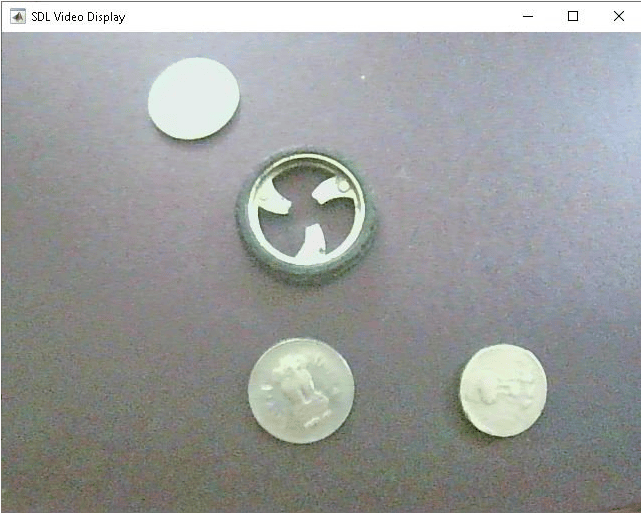
Configure Image and Device Properties of Raspberry Pi V4L2 Video Capture Block to Detect Objects
Configure the image and device properties of the V4L2 Video Capture block from Raspberry Pi® Blockset and observe the output in the SDL Video Display block. This example also shows how to tune the image properties of the V4L2 Video Capture block to detect objects in a noisy and distorted real-time video.

Capturing and Stitching Panoramic Images Using ArduCam Multi Camera Adapter Module
Capture images using ArduCam Multi Camera Adapter Module attached to Raspberry Pi® and stitch the images to obtain a panoramic image using SURF feature detection and matching.
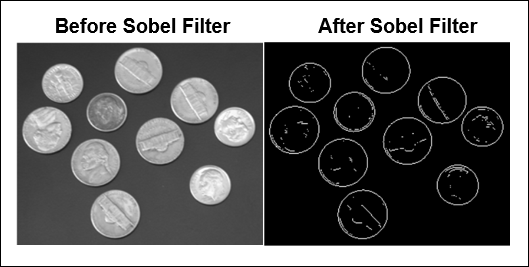
Detect Boundaries of Objects Within Video Using Raspberry Pi
Identify the boundaries of objects in a live video stream on Raspberry Pi® hardware by using a MATLAB Function block with Raspberry Pi Blockset. The process of identifying boundaries of objects is known as edge detection. This example implements the Sobel edge detection algorithm to identify the boundaries of the objects.
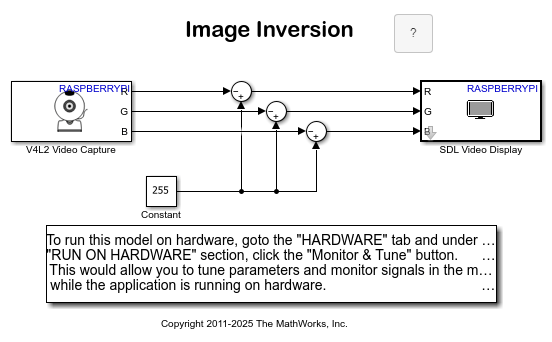
Implement Image Inversion Algorithm Using Raspberry Pi
Use the V4L2 Video Capture and the SDL Video Display blocks from the Raspberry Pi® block library to implement an image inversion algorithm with a Simulink® model, and to run the model on Raspberry Pi hardware.
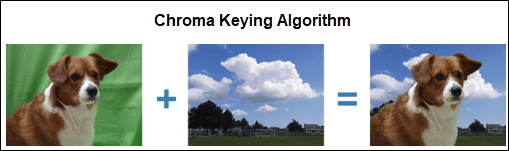
Customize Color Within Video Using Raspberry Pi
Replace a particular color in a live video stream with an image on Raspberry Pi® hardware by using a MATLAB Function block.
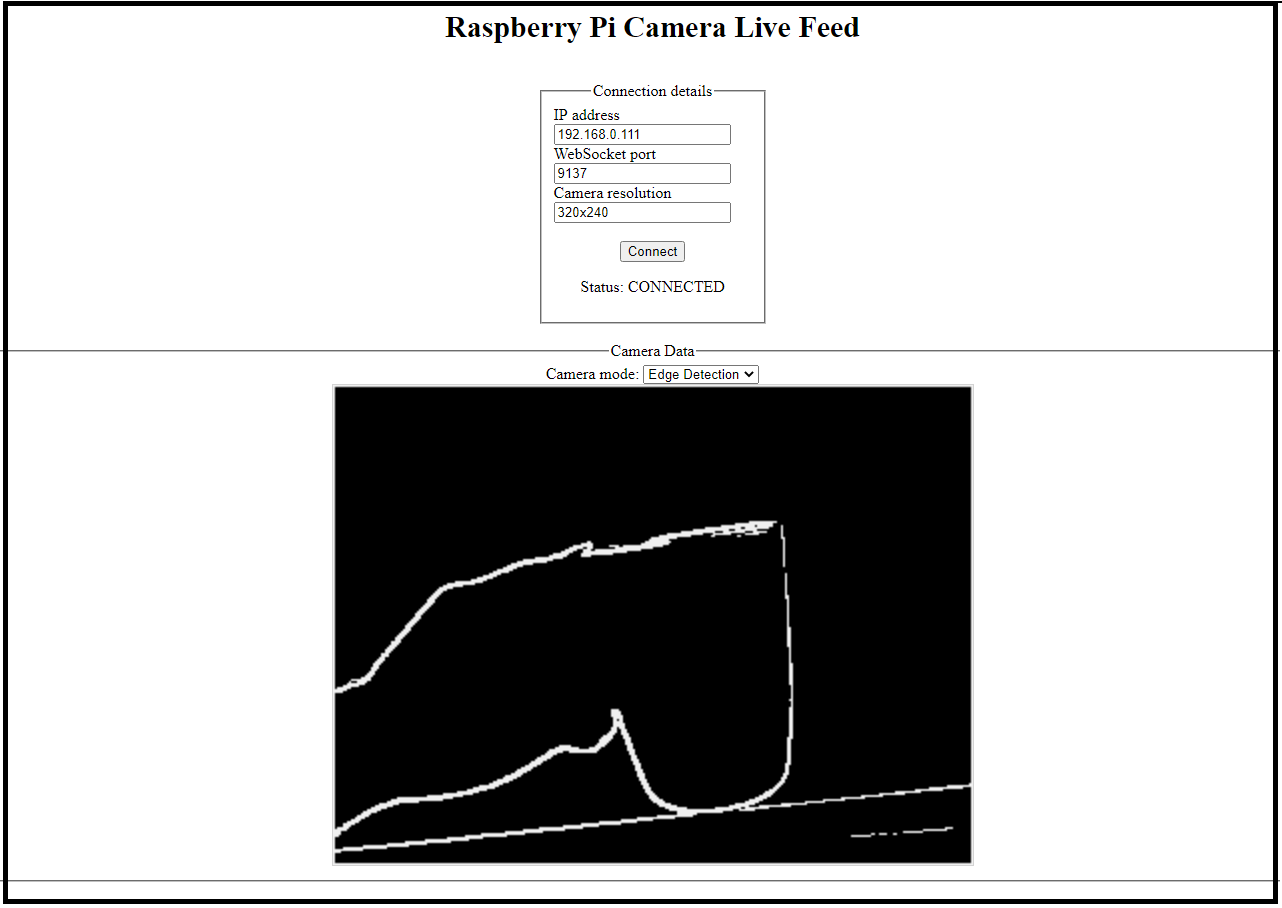
Implement Connected I/O on Raspberry Pi Hardware and Publish Data to WebSocket Server
Use Raspberry Pi® Blockset to develop an image processing system on Raspberry Pi board using a camera in the connected I/O mode. The example also shows you how to publish the output on a web browser and on a SDL video display screen.
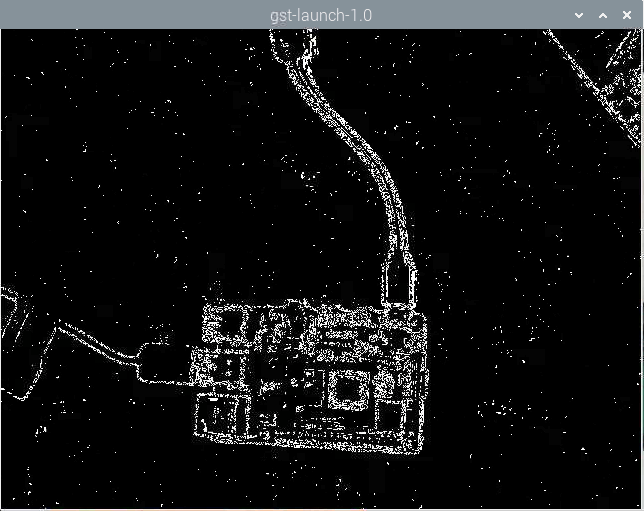
Stream Video over Network Using Raspberry Pi RTSP Video Stream Transmit Block
Use the RTSP Video Stream Transmit block from Raspberry Pi® Blockset to stream a live video over a network using real-time streaming protocol (RTSP).
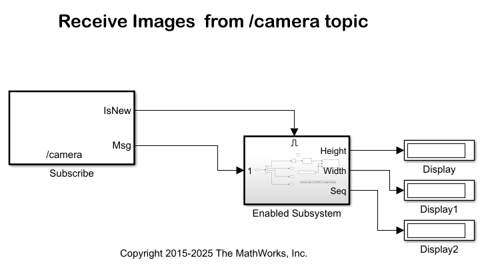
Stream Images from Raspberry Pi Using Robot Operating System
Stream images captured from a webcam on a Raspberry Pi® board to the host computer using a ROS communication interface. In this example, you stream images from your Raspberry Pi board to your host computer using the ROS Publish blocks. You use the ROS MATLAB® command line interface to display the images on your host computer.
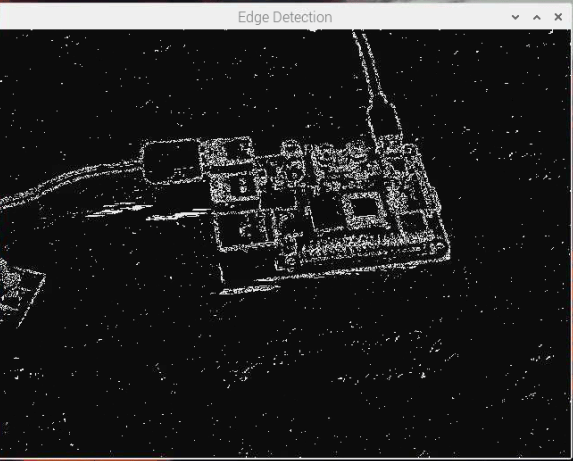
Receive Video over Network Using Raspberry Pi RTSP Video Stream Receive Block
Use the RTSP Video Stream Receive block from the Raspberry Pi® Blockset to receive a live video over a network using real-time streaming protocol (RTSP).
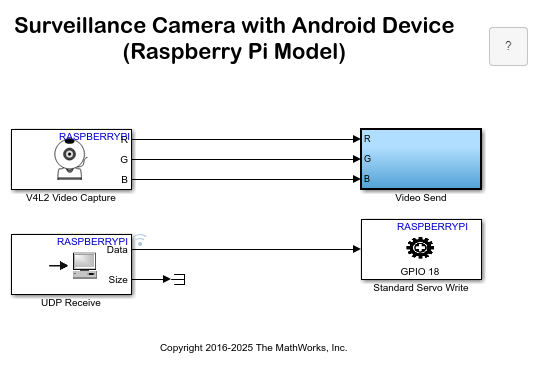
Build Surveillance Camera Using Android and Raspberry Pi
Use Raspberry Pi® hardware and an Android® device to build a surveillance camera.
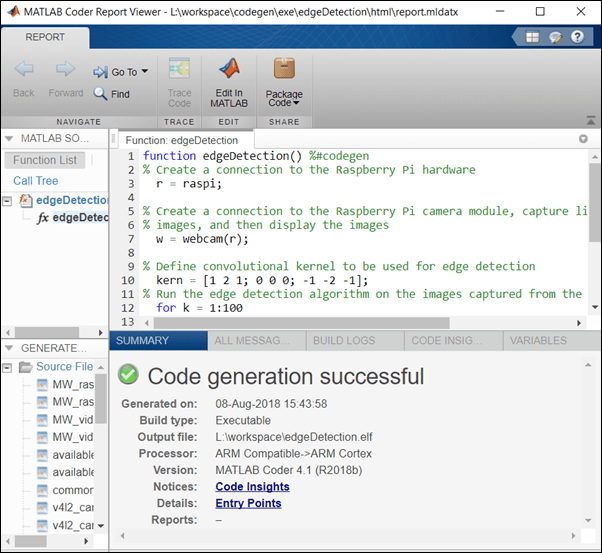
Deploy an Edge Detection Algorithm on the Raspberry Pi Hardware
Deploy an Edge detection function on the Raspberry Pi® hardware as a standalone executable using Raspberry Pi Blockset. In this example, you will learn how to acquire live image from a webcam connected to the Raspberry Pi hardware, run the edge detection function on the acquired image, and display the result on the monitor that is connected to the same Raspberry Pi hardware.
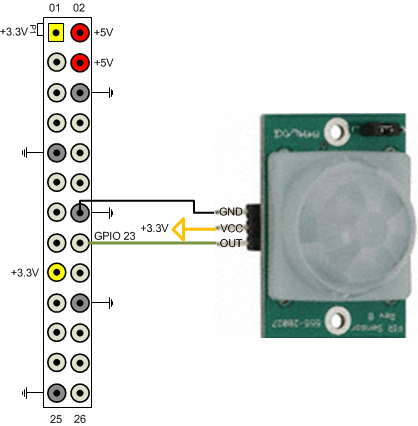
Build a Motion Sensor Camera
Build a motion sensor camera using Raspberry Pi® Blockset.
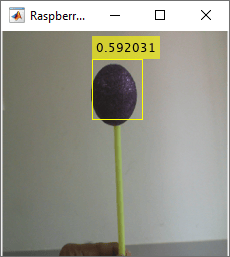
Detect and Track Object Using Deep Learning on Raspberry Pi
Use the Raspberry Pi® Blockset to deploy a deep learning algorithm that detects and tracks an object in Connected IO and PIL modes. This algorithm uses the ResNet-18-based YOLOv2 neural network to identify the object captured by the camera mounted on a servo motor and connected to the Raspberry Pi hardware. You can experiment with different objects in your surroundings to see how accurately the network detects images on the Raspberry Pi hardware.
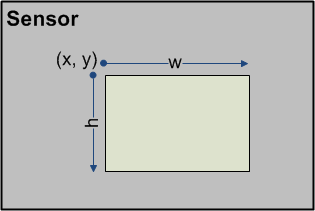
Working with Raspberry Pi Camera Board
Capture and process images from Raspberry Pi® Camera Board module using the Raspberry Pi Blockset.
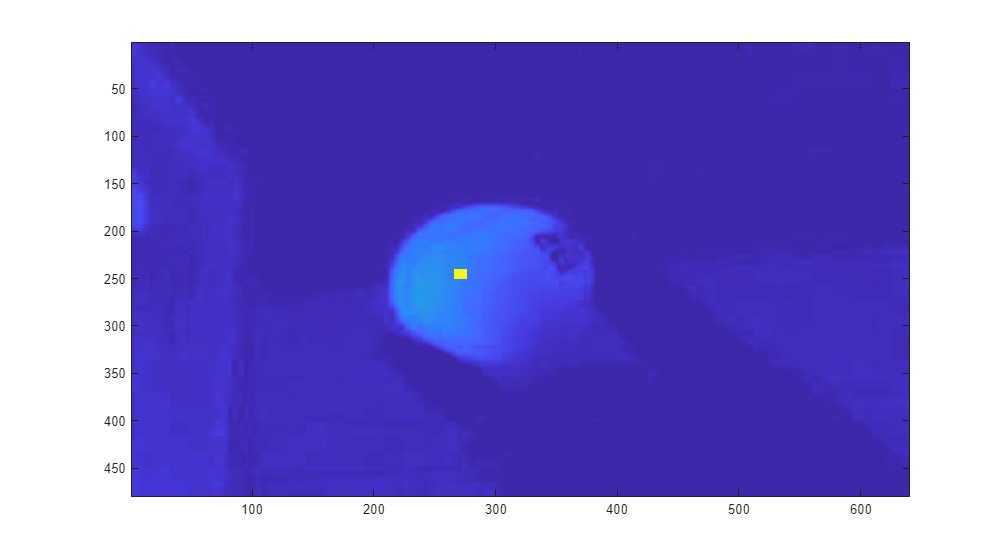
Tracking a Green Ball
Use MATLAB® to process images captured from a Raspberry Pi® Camera Board module to track a green ball.
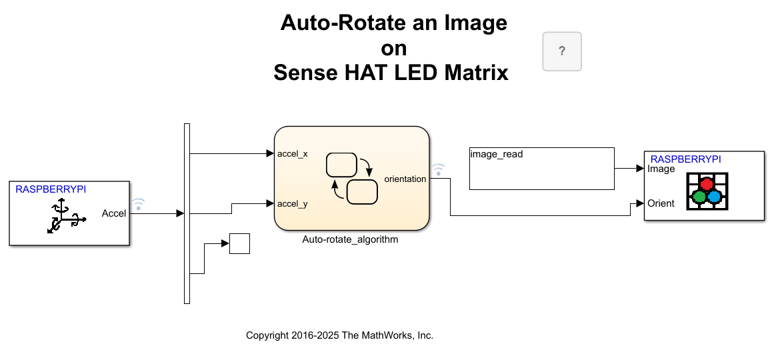
Auto-Rotate Image Displayed on Raspberry Pi Sense HAT LED Matrix
Develop a Simulink® model to implement an algorithm to read the Accelerometer On-board Sense HAT and control the rotation of the image displayed on the LED matrix.
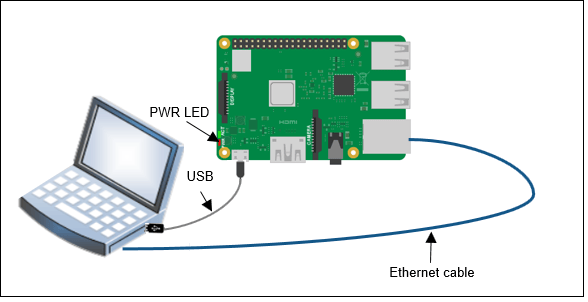
Classify Static Image Using Deep Learning on Raspberry Pi
Generate and deploy code for an image classification algorithm using Raspberry Pi® Blockset. The algorithm uses the ResNet-50 neural network to identify the image that is passed as an input using the command line of Raspberry Pi.
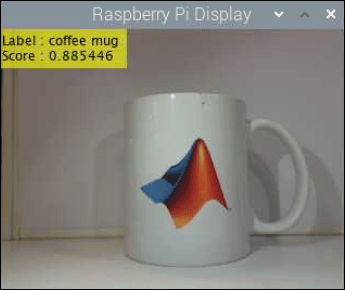
Identify Objects Within Live Video Using ResNet-50 on Raspberry Pi Hardware
Predict the objects in a live video stream on Raspberry Pi® by deploying an image classification algorithm using Raspberry Pi Blockset. The algorithm uses ResNet-50 neural network to identify the objects captured by the webcam that is connected to the Raspberry Pi hardware.

