Get Started with RF Toolbox
R2026bRF Toolbox™ functions and apps for designing, modeling, analyzing, and visualizing radio frequency (RF) networks used in wireless communications, radar, and signal integrity applications.
You can model RF networks—including filters, transmission lines, amplifiers, and mixers—using measurement data, network parameters, RF system parameters, or physical properties. Idealized baseband models enable you to perform high-level simulation of RF components for integration with system-level testbenches and DSP algorithm development. The RF Budget Analyzer app lets you analyze gain, noise, and power budget of transceiver chains and generate RF Blockset™ models.
You can analyze and convert S, Y, Z, T network parameters, and visualize the results using Cartesian plots, polar plots, or Smith Charts. You can also de-embed, check, and enforce passivity, and compute group and phase delay. Rational function fitting lets you model interconnects and export them to Simulink®, SPICE, or Verilog®-A .
Tutorials
- Superheterodyne Receiver Using RF Budget Analyzer App
Build a superheterodyne receiver and analyze the receiver's RF budget for gain, noise figure, and IP3 using the RF Budget Analyzer app.
- Analyze Transmission Line
Describes how to compute and evaluate the transfer function of a transmission line and export a Verilog-A description.
- Basic Operations with RF Objects
This example shows how to read, analyze, and de-embed RF data from a Touchstone data file.
- Model Cascaded Network
Describes how to build, simulate, and visualize the frequency-domain behavior of an RF network.
More About
- RF Analysis
Learn typical RF analysis workflow.
- RF circuit or rfbudget vs. rfckt Objects
Determine when to use RF
circuit,rfbudget, andrfcktobjects in your RF analysis workflow. - RF Network Parameter Objects
Discover the available RF network parameter objects and learn their uses.
Featured Examples
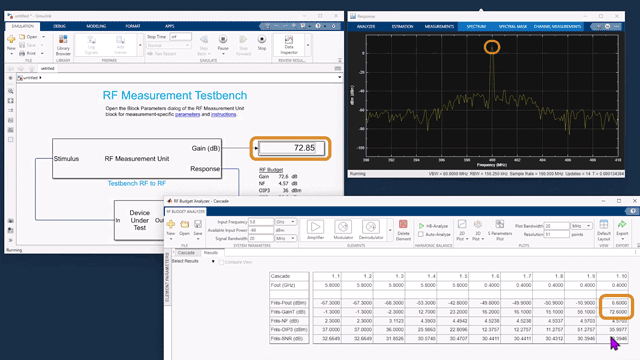
Superheterodyne Receiver Using RF Budget Analyzer App
Build a superheterodyne receiver and analyze the receiver's RF budget for gain, noise figure, and IP3 using the RF Budget Analyzer app.
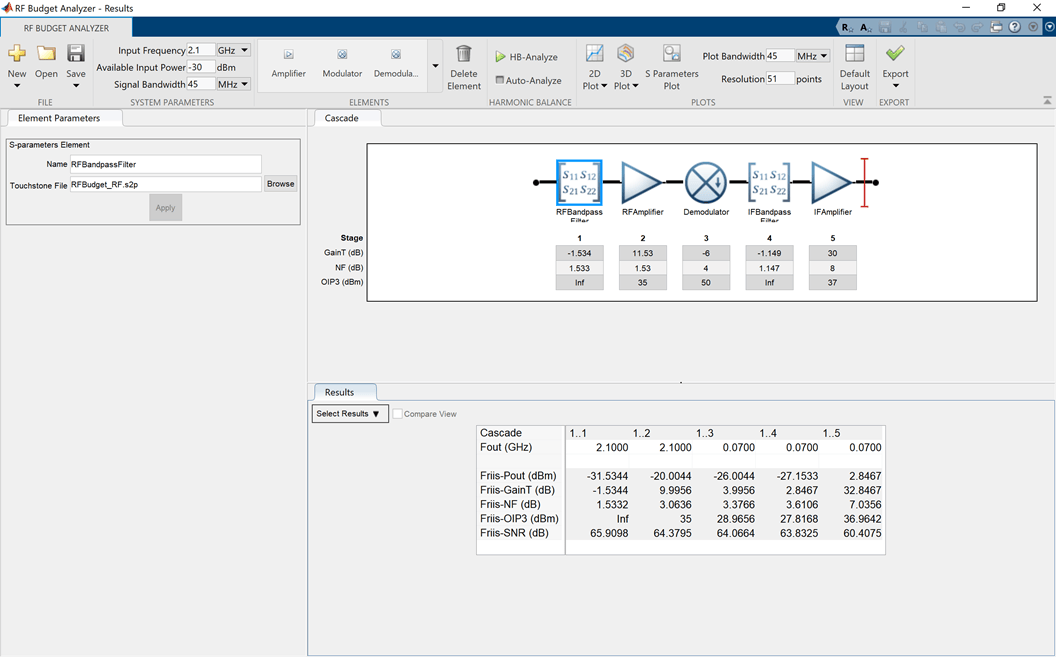
Visualizing RF Budget Analysis over Bandwidth
Visualize the computed budget results across the bandwidth of the input signal.
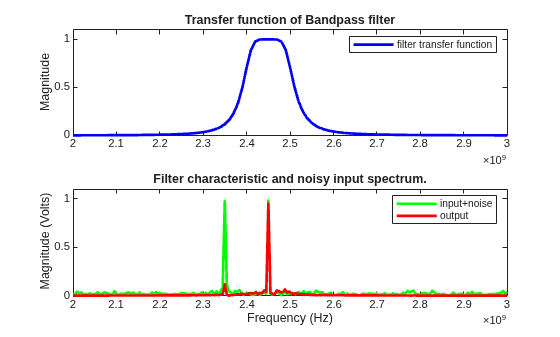
Bandpass Filter Response
Compute the time-domain response of a simple bandpass filter.

