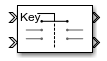
Entity Selector
Select entities
Libraries:
SimEvents
Description
The Entity Selector block matches attribute values of entities selected from multiple input entity streams to the attribute values of a key entity. You can use this block for modeling scenarios that involve matching items based on input. For instance, you can model a facility that produces parts that are matched to the reference order represented by the key entity.
The block accepts a key entity represented by the Key entity attribute name parameter. This parameter holds the attribute against which the attributes of all other input entity streams are evaluated. The Matching entity attribute name(s) parameter contains one or more attributes belonging to the entity streams. The block checks for a successful match by comparing the attribute values specified for these two parameters. When a match is found across all entity streams, the set of matching entities and the key entity are ready to depart.
The Entity Store block can be used as a temporary container for ready-to-leave entities to be selected by the Entity Selector block. For example, see Match Entities Based on Attributes.
Examples
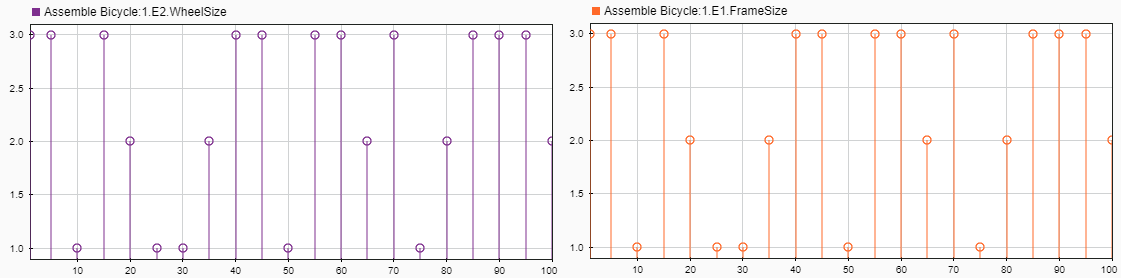
Match Entities Based on Attributes
Build a model to store and match entities representing bicycle components. The model uses an Entity Store block for storage and an Entity Selector block to match a set of bicycle wheels to the corresponding size frame for assembly.
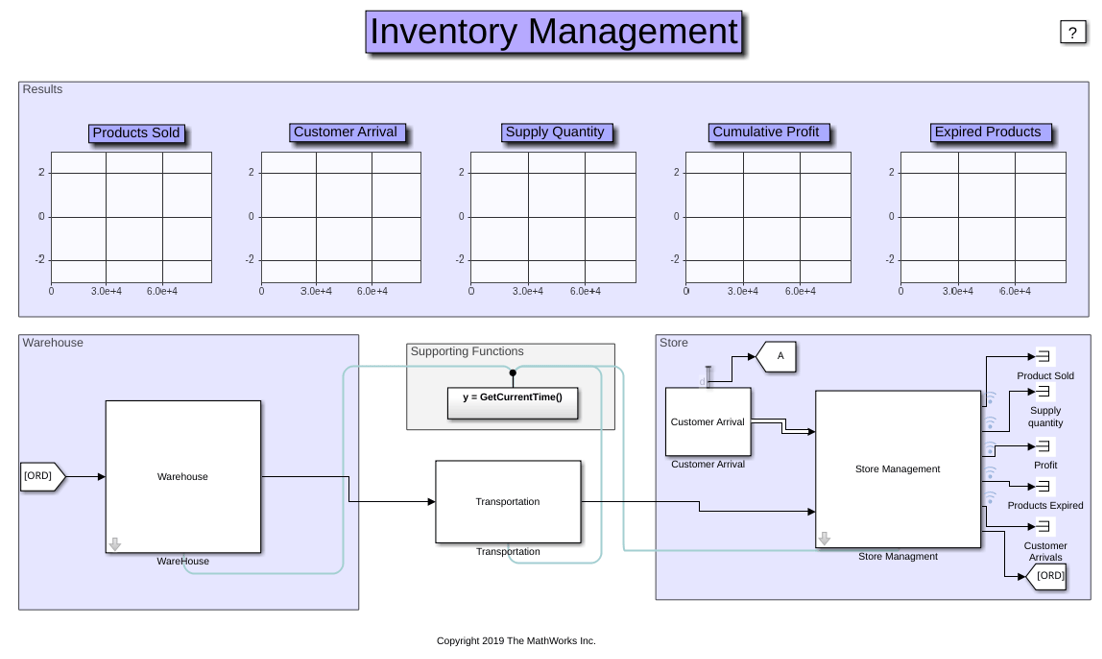
Inventory Management
Build a simple inventory management system for a retail store. This example includes:
Job Scheduling and Resource Estimation for a Manufacturing Plant
Model a manufacturing plant. The plant consists of an assembly line that processes jobs based on a pre-determined schedule. This example walks you through a workflow for:
Ports
Input
Input entity port for reference entities entering the block.
Data Types: single | double | int8 | int16 | int32 | int64 | uint8 | uint16 | uint32 | uint64 | Boolean | enumerated | bus | fixed point
Input entity port for matching entities entering the block.
Data Types: single | double | int8 | int16 | int32 | int64 | uint8 | uint16 | uint32 | uint64 | Boolean | enumerated | bus | fixed point
Output
Output entity port for reference entities exiting the block.
Data Types: single | double | int8 | int16 | int32 | int64 | uint8 | uint16 | uint32 | uint64 | Boolean | enumerated | bus | fixed point
Output entity port for matching entities exiting the selector.
Data Types: single | double | int8 | int16 | int32 | int64 | uint8 | uint16 | uint32 | uint64 | Boolean | enumerated | bus | fixed point
Number of entities that have departed the block.
Dependencies
To enable this port, click Statistics and select the Number of entities departed, d check box.
Data Types: double
Number of entities that have not yet departed the block.
Dependencies
To enable this block, click Statistics and select the Number of entities in block, n check box.
Data Types: double
Number of entities that are pulled out of this block.
Dependencies
To enable this port, click the Statistics tab and select the box labeled Number of entities extracted, ex.
Data Types: double
Parameters
Specify the number of entity streams to be matched to the key entity. The
block can accept at most 8 matching streams.
Programmatic Use
Block Parameter:
mNumberOfStreams |
| Type: character vector |
Values: '1'
| scalar in quotes |
Default:
'1' |
Attribute name of the key entity that is used to evaluate a match. This attribute holds the value to compare against attribute values in the input entity streams.
Programmatic Use
Block Parameter:
mKeyEntityAttributeName |
| Type: character vector |
Values:
'{'ID'}' | character vector |
Default:
'{'ID'}' |
Names of selected attributes of input entity streams used to evaluate a match against the key entity attribute. You can either specify one attribute name, or a number of attribute names equaling the number of entity streams.
If you add one attribute and connect more than one input entity stream to
the block, then each entity stream must include an attribute of the same
name. Additionally, these attributes must carry the value of the key entity
attribute to achieve a successful match. For example, suppose you connect
three entity streams to the Entity Selector block, and
provide one attribute name, {'OrderNo'}. For a successful
match, these conditions must be satisfied:
Attribute
OrderNomust be present in all the entity streams.Value of attribute
OrderNoin all entity streams must match the key entity attribute value.
If you add a number of attribute names equaling the number of input entity
streams, list the names in a cell array. For a successful match, each
attribute in the cell array must belong to an incoming entity stream in
sequential order. The selected attributes must also carry the value of the
key entity attribute. For example, suppose you connect three entity streams
to the block, and provide three attribute names,
{'OrderNo','OrderID','SNo'}. For a successful match,
these conditions must be satisfied:
Attribute
OrderNomust be present in the first entity stream, attributeOrderIDmust be present in the second entity stream, and attributeSNomust be present in the third entity stream.Value of all three attributes must equal the key entity attribute value.
Programmatic Use
Block Parameter:
mEntityAttributeName |
| Type: string |
Values:
"{'Type'}" | character vector in quotes |
cell array of character vectors in quotes |
Default:
"{'Type'}" |
Source that determines the number of entities to be selected from each stream.
Programmatic Use
Block Parameter:
mMatchingNumberSource |
| Type: character vector |
Values:
'Dialog' |
'Attribute' |
Default:
'Dialog' |
Number of entities to be selected from each input entity stream. You can
specify 0, a positive integer, or an array of positive
integers to determine the number of entities to select from each entity
stream.
For example, an array value of [2 3 4] indicates the
selection of two matching entities from the first input entity stream, three
from the second entity stream, and four from the third entity stream.
Dependencies
To enable this parameter, set the Number of entities
source parameter to
Dialog.
Programmatic Use
Block Parameter:
mNumberOfMatches |
| Type: character vector |
Values: '1'
| integer scalar in quotes | integer array in quotes |
Default:
'1' |
The name of the key attribute that determines the number of entities to be selected from each matching stream. The attribute value can be an integer or an array of integers of size equal to the number of incoming entity streams.
Dependencies
To enable this parameter, set the Number of entities
source parameter to
Attribute.
Programmatic Use
Block Parameter:
mNumberOfMatchesAttribute |
| Type: character vector |
Values:
'Name' | character vector |
Default:
'Name' |
Number of entities that have exited the block.
Programmatic Use
Block Parameter:
mNumEntitiesDepOpt |
| Type: character vector |
Values: 'on'
| 'off' |
Default:
'off' |
Number of entities present in the block, which have yet to depart.
Programmatic Use
Block Parameter:
mNumEntitiesInBlockOpt |
| Type: character vector |
Values: 'on'
| 'off' |
Default:
'off' |
Outputs the number of extracted entities which are pulled out from this block by the Entity Find block. If a key entity is extracted, the Entity Selector block waits until all the matching entities arrive at the block. Then, the matching entities depart from the corresponding output port. If a matching entity is extracted, the block looks for another matching entity. When an entity is extracted, Number of entities departed, d, and Number of entities in block, n statistics are updated accordingly.
Programmatic Use
Block Parameter:
mNumEntitiesExtractedOpt |
| Type: character vector |
Values: 'on'
| 'off' |
Default:
'off' |
Version History
Introduced in R2018a
MATLAB Command
You clicked a link that corresponds to this MATLAB command:
Run the command by entering it in the MATLAB Command Window. Web browsers do not support MATLAB commands.
Select a Web Site
Choose a web site to get translated content where available and see local events and offers. Based on your location, we recommend that you select: .
You can also select a web site from the following list
How to Get Best Site Performance
Select the China site (in Chinese or English) for best site performance. Other MathWorks country sites are not optimized for visits from your location.
Americas
- América Latina (Español)
- Canada (English)
- United States (English)
Europe
- Belgium (English)
- Denmark (English)
- Deutschland (Deutsch)
- España (Español)
- Finland (English)
- France (Français)
- Ireland (English)
- Italia (Italiano)
- Luxembourg (English)
- Netherlands (English)
- Norway (English)
- Österreich (Deutsch)
- Portugal (English)
- Sweden (English)
- Switzerland
- United Kingdom (English)