Write Data to Channel
ThingSpeak™ is an IoT platform that uses channels to store data sent from apps or devices.
You can write data to your ThingSpeak channels in several ways: HTTP calls from the REST API, MQTT Publish method, and
the thingSpeakWrite function from MATLAB. Learn more
about how to Choose Between REST API and MQTT API to update a
channel.
REST API
MQTT API
Functions
Topics
Choose How to Write Data
- Ways to Write Data
Collect data in your channel with hardware or software on devices or computers using the REST API, MQTT, MATLAB®, or third party-applications. - Choose Between REST API and MQTT API
Learn when to use REST and MQTT to update a channel.
Write Data With Libelium Hardware
- Write Data with Libelium Meshlium System
Use the ThingSpeak Cloud Connector with Libelium Meshlium hardware to easily store and analyze your data.
Write Distributed Sensor Data from The Things Network
- Write Data from The Things Network
Use a ThingSpeak integration with The Things Network to write data from devices connected on a LoRa® network. - Collect Agricultural Data over The Things Network
This example shows how to set up data collection from three sensors connected to a microprocessor board with a LoRa® radio.
Write Data With Arduino and Particle Photon
- Prototyping with Sonar Proximity Sensor
This example shows how to prototype with ThingSpeak™ using a Wi-Fi® connected Arduino® board. - Bulk-Update Using an Arduino or an ESP8266
This example shows how to use either an Arduino® MKR1000 board or an ESP8266 board connected to a Wi-Fi® network to continuously collect Wi-Fi signal strength and bulk-update a ThingSpeak™ channel. - Bulk-Update a ThingSpeak Channel Using a Particle Photon Board
This example shows how to use a Particle Photon board connected to a Wi-Fi® network to bulk-update a ThingSpeak™ channel. - Publish to a ThingSpeak Channel Using a Particle Device Client via MQTT
This example shows how to publish measured values to a ThingSpeak™ channel via MQTT using a Particle device such as a Boron, Argon, Photon, or Electron.
Write Data With ESP8266
- Moisture Sensor Using HTTP POST Requests to Channel
This example shows how to post multiple fields of data to a ThingSpeak™ channel from a device that wakes from deep sleep. - Post Temperature Data and Read from Channel
This example shows how to collect environmental data from a device and post it from your device to a ThingSpeak™ channel. - Publish and Subscribe to a ThingSpeak Channel Using Secure MQTT
This example shows how to use an ESP8266 board to record RSSI data in ThingSpeak™ via secure MQTT. - Remote Sensor Control Using Secure MQTT Publish and Subscribe
This example shows how to use the MQTT publish and subscribe architecture in ThingSpeak™.
Write Data With ESP32
- Wireless Network Signal Strength with ESP32 with Arduino IDE
This example shows how to use the wireless network functionality of ESP32 to post data to ThingSpeak™.
Write Data With Raspberry Pi
- Bulk-Update Using a Raspberry Pi Board
This example shows how to collect data using a Wi-Fi-connected Raspberry Pi® board running Python® 2.7. - Publish Using WebSockets in Python on a Raspberry Pi
This example shows how to use WebSockets on port 80 to publish to a ThingSpeak™ channel using a Raspberry Pi® board that runs Python®.
Related Information
Troubleshooting
See the details of ThingSpeak REST API error messages and corresponding HTTP status codes.
Get help to resolve common mistakes when using MQTT publish.
Featured Examples
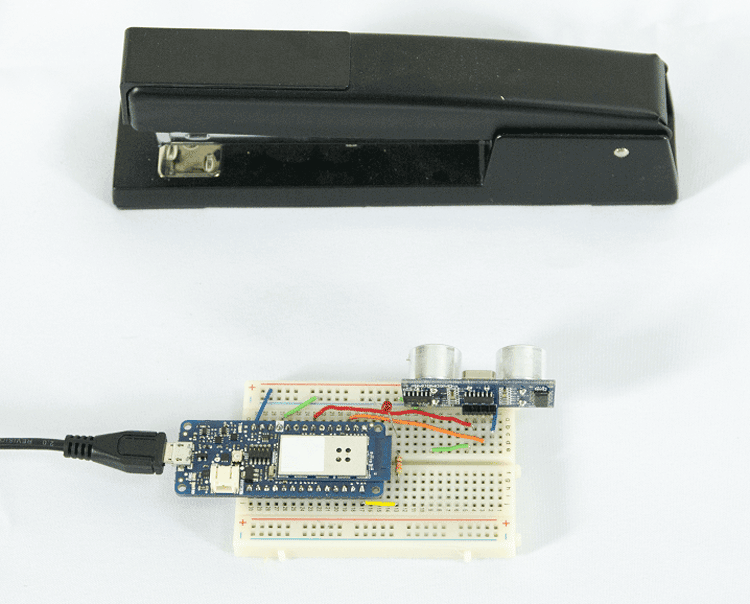
Prototyping with Sonar Proximity Sensor
Prototype with ThingSpeak™ using a Wi-Fi® connected Arduino® board.
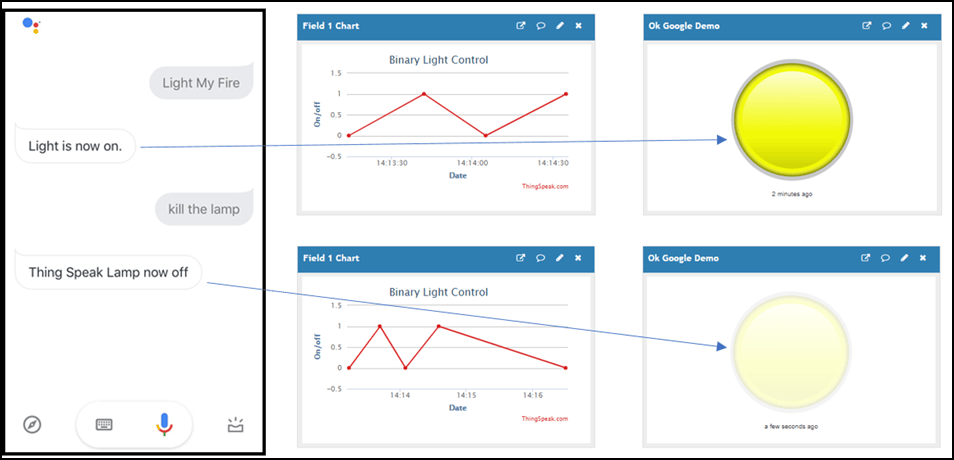
Use Google Assistant to Turn a Light On and Off
Use your voice to set a channel value on ThingSpeak™. IFTTT interfaces directly with Google® Assistant to understand your speech and then write to a ThingSpeak channel.
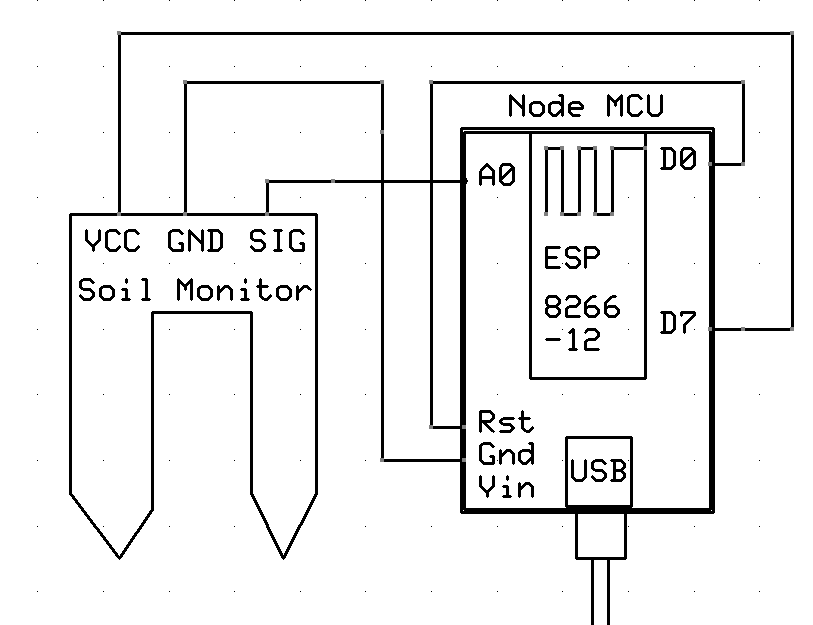
Moisture Sensor Using HTTP POST Requests to Channel
Post multiple fields of data to a ThingSpeak™ channel from a device that wakes from deep sleep. You read a soil moisture sensor and post the value to a ThingSpeak channel. The HTTP POST request is executed by writing to a communication client without a separate library. Directly writing the HTTP request to the wireless network client can offer increased flexibility and speed over the ThingSpeak Communication Library.
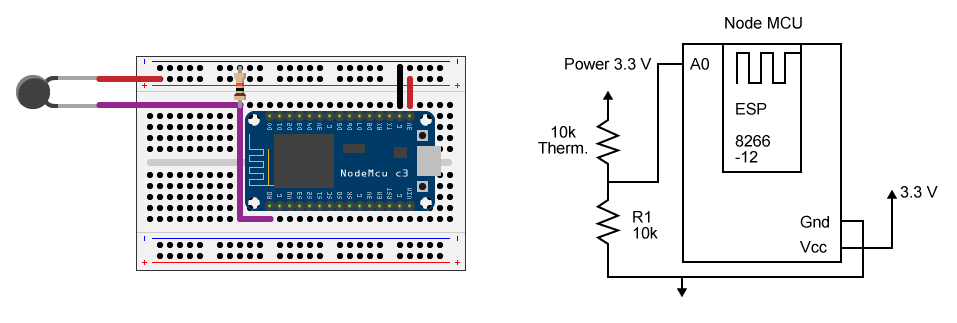
Post Temperature Data and Read from Channel
Collect environmental data from a device and post it from your device to a ThingSpeak™ channel. The example uses an ESP8266 and the ThingSpeak Communication Library to post data and retrieve data from a channel.
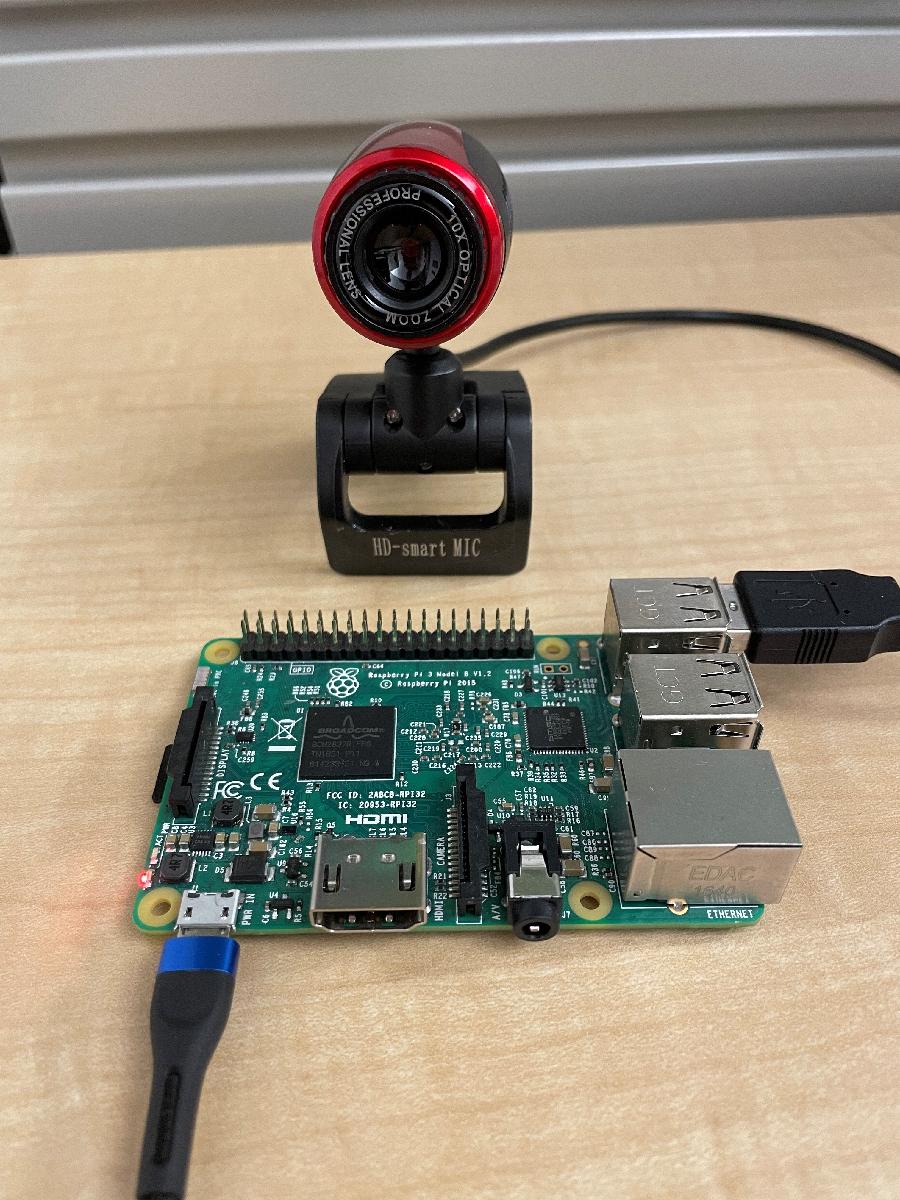
Write Image to ThingSpeak from Raspberry Pi with Python
Write an image to a ThingSpeak image channel from a Raspberry Pi® board using Python®.
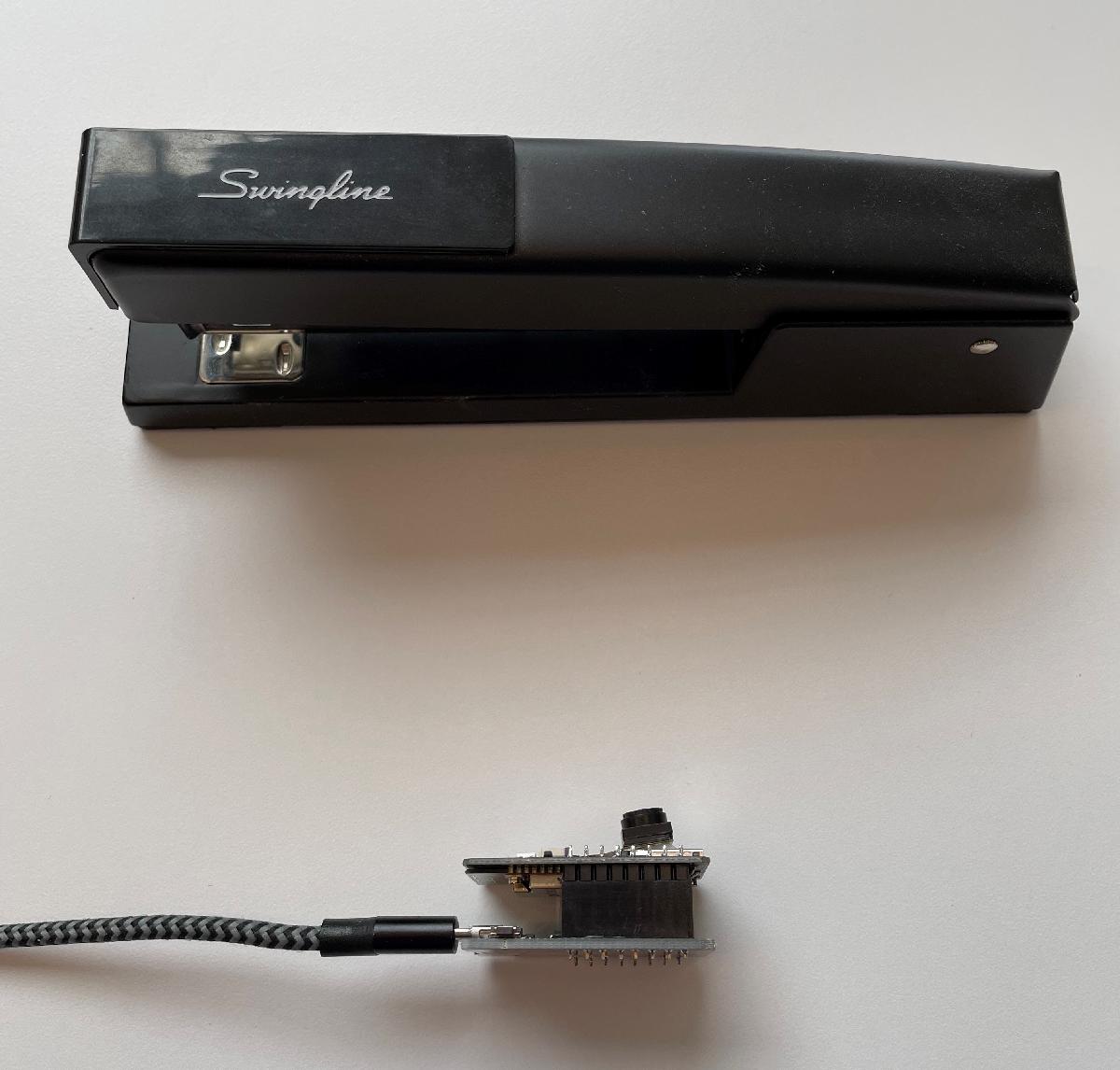
Write Image to ThingSpeak from ESP32 Camera Board
Capture an image from an ESP32 camera board and write it to a ThingSpeak image channel.

