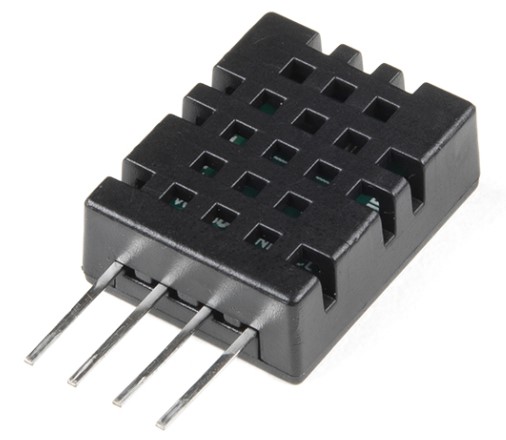
DHT20 Temperature and Humidity

MATLAB + Arduino I2C DHT20 Temperature and Humidity sensor support
136 Downloads
Updated 5 Nov 2024

View License

Support for the latest DHT sensor: the DHT20
The DHT20 sensor is an I2C sensor and must be connected to the I2C port of the Arduino
1. First, define your Arduino in your workspace:
a = arduino('<your COM Port>','Nano3','Libraries',{'I2C'});
2. Then, tell MATLAB that there is a DHT20 sensor attached to it.
dht20obj = dht20(a);
3. Once you've created your sensor object, you can ask it to take temperature and humidity readings, or both:
myTemperature = readTemperature(dht20obj);
myHumidity = readHumidity(dht20obj);
myDHTSensorData = readRawSensorData(dht20obj);
% can also call it using . annotation:
dht20obj.readHumidity;
dht20obj.readTemperature;
dht20obj.readSensorData;

Cite As

Eric Prandovsky (2026). DHT20 Temperature and Humidity (https://ch.mathworks.com/matlabcentral/fileexchange/121792-dht20-temperature-and-humidity), MATLAB Central File Exchange. Retrieved .

MATLAB Release Compatibility
Created with R2022b
Compatible with R2021a and later releases
Platform Compatibility
Windows macOS Linux
Acknowledgements

Inspired by: MATLAB Support Package for Arduino Hardware

Version Published Release Notes
0.7.1


Updated to work with r2024+ where device.read() is no longer visible to the sensor class and the SupportedInterfaces property has been added.

0.7